
Software menus and internet posts sometimes make this sound like an at-home task. Current DoD guidance does not support resetting a locked CAC with ActivClient alone, a supposed PUK from issuance paperwork, or a command such as pkcs15-tool --unblock-pin.
The limited alternative to an ID card office
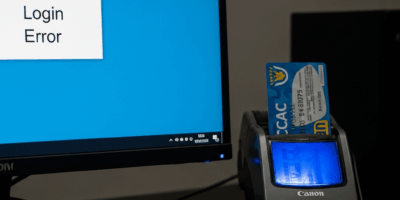
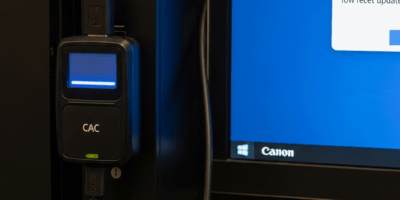
Your organization may have a Next Generation Credential PIN Reset workstation. This can save a trip to a RAPIDS office, but it is not remote self-service. The official process requires a trusted agent, access to a DoD network, supported Chrome software, two smart-card readers, a fingerprint reader, and a match to biometrics stored in DEERS.
What to do now
- Stop guessing the PIN so you do not create additional failed attempts.
- Ask your local help desk, security manager, or personnel office whether an authorized credential PIN-reset station is available.
- If none is available, use ID Card Office Online to find a RAPIDS site.
- Call before traveling to confirm hours, installation access, documents, and appointment policy.
Do not confuse a PIN lock with another CAC problem
If there is no explicit locked-PIN message, test basic detection first. A card reader or browser failure will not be cured by changing the PIN. If the CAC is expired, physically damaged, revoked, or missing, contact the appropriate ID card or security office.
Bottom line
You may be able to avoid the ID card office only when your organization provides an authorized trusted-agent reset workstation. There is no supported at-home shortcut.
Official resources
- DoD: Managing Your Common Access Card
- DMDC ID Card Office Online and RAPIDS Site Locator
- DoD Next Generation Credential PIN Reset requirements
Use the official locator and call the selected office before traveling because local access rules, hours, and appointment practices can change.


Leave a Reply