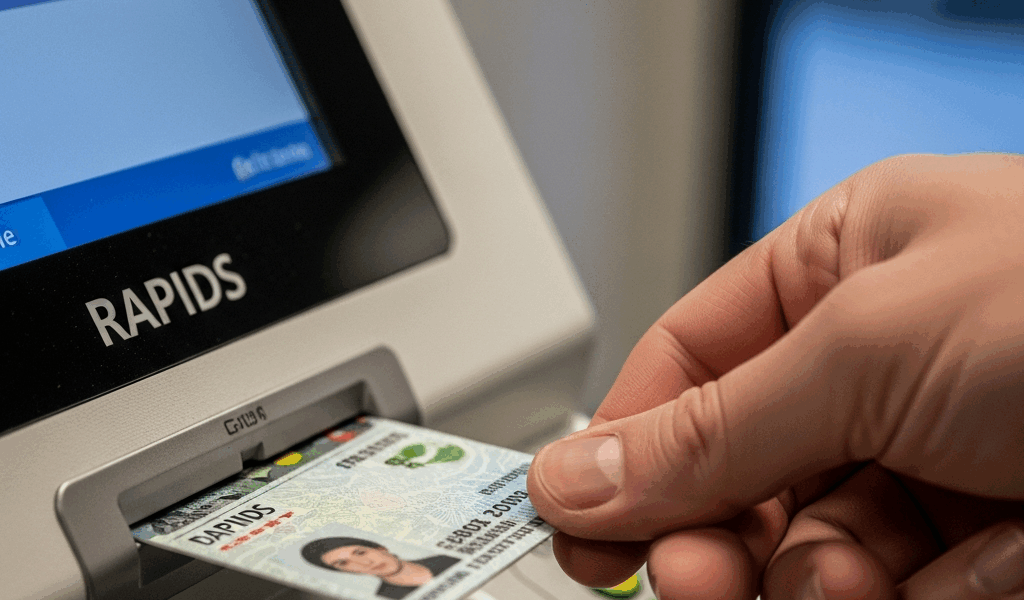
Find the correct location
- Open DMDC ID Card Office Online.
- Choose the site-locator option and search by your area.
- Review the services and contact information for a convenient location.
- Call to confirm that it performs CAC PIN resets and ask about appointments, walk-ins, base access, hours, and required documents.
What to bring
Bring the locked CAC. Follow the selected office’s current instructions for identity documents and installation access; requirements can differ by situation and location. Avoid assuming that a Social Security card, birth certificate, or two specific documents are always required for a PIN reset—confirm directly.
What happens during a reset
The operator verifies ownership using biometrics stored in DEERS, then permits selection of a new PIN through the authorized system. Do not share the PIN with the operator or anyone assisting you. Ask whether you can test the CAC before leaving.
If a replacement is needed
A damaged, expired, lost, or revoked CAC may require a different service and additional documentation or sponsorship. Tell the office the exact condition when you call so it can give the correct instructions.
Alternative on-site reset
Some DoD organizations have a Next Generation Credential PIN Reset workstation. It still requires a trusted agent, DoD-network equipment, two readers, a fingerprint reader, and biometric verification. Ask your help desk or security office whether one is locally available.
Afterward
If the new PIN works on one supported system but another still fails, troubleshoot that website, certificate choice, middleware, or account rather than attempting another PIN reset.
Official resources
- DoD: Managing Your Common Access Card
- DMDC ID Card Office Online and RAPIDS Site Locator
- DoD Next Generation Credential PIN Reset requirements
Use the official locator and call the selected office before traveling because local access rules, hours, and appointment practices can change.




Leave a Reply