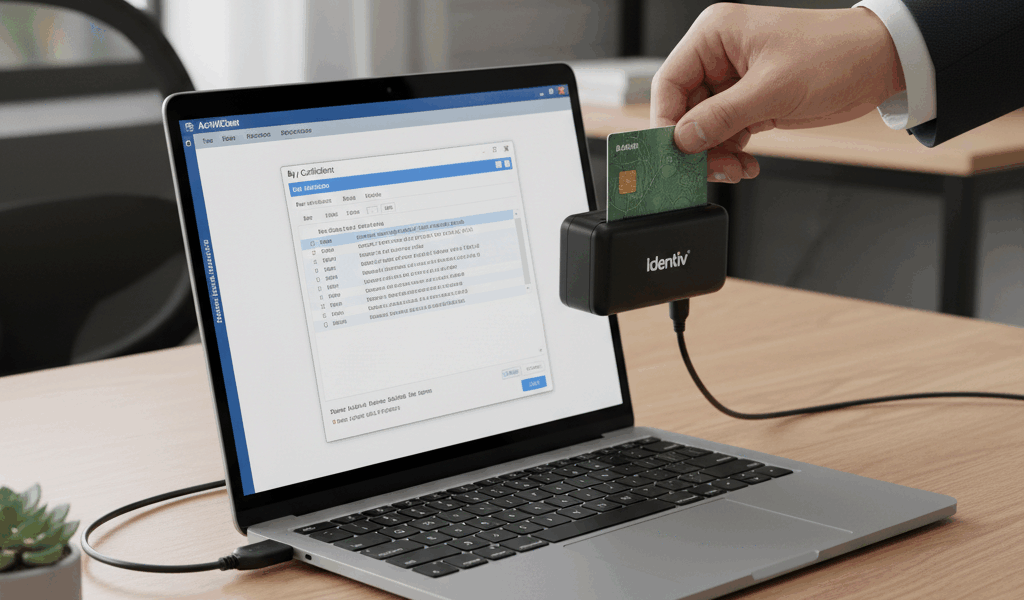
Unlocking Your CAC Card PIN: A Simple Step-by-Step Guide
CAC PIN lockouts have gotten weirdly common with all the hybrid schedules and unfamiliar keyboards flying around these days — more remote setups, more chances to fat-finger your PIN under pressure. As someone who helps DoD personnel sort out access issues regularly, I’ve walked through this specific process more times than I can count. This is the simplified version: just the steps, none of the noise.
What “Locked” Actually Means
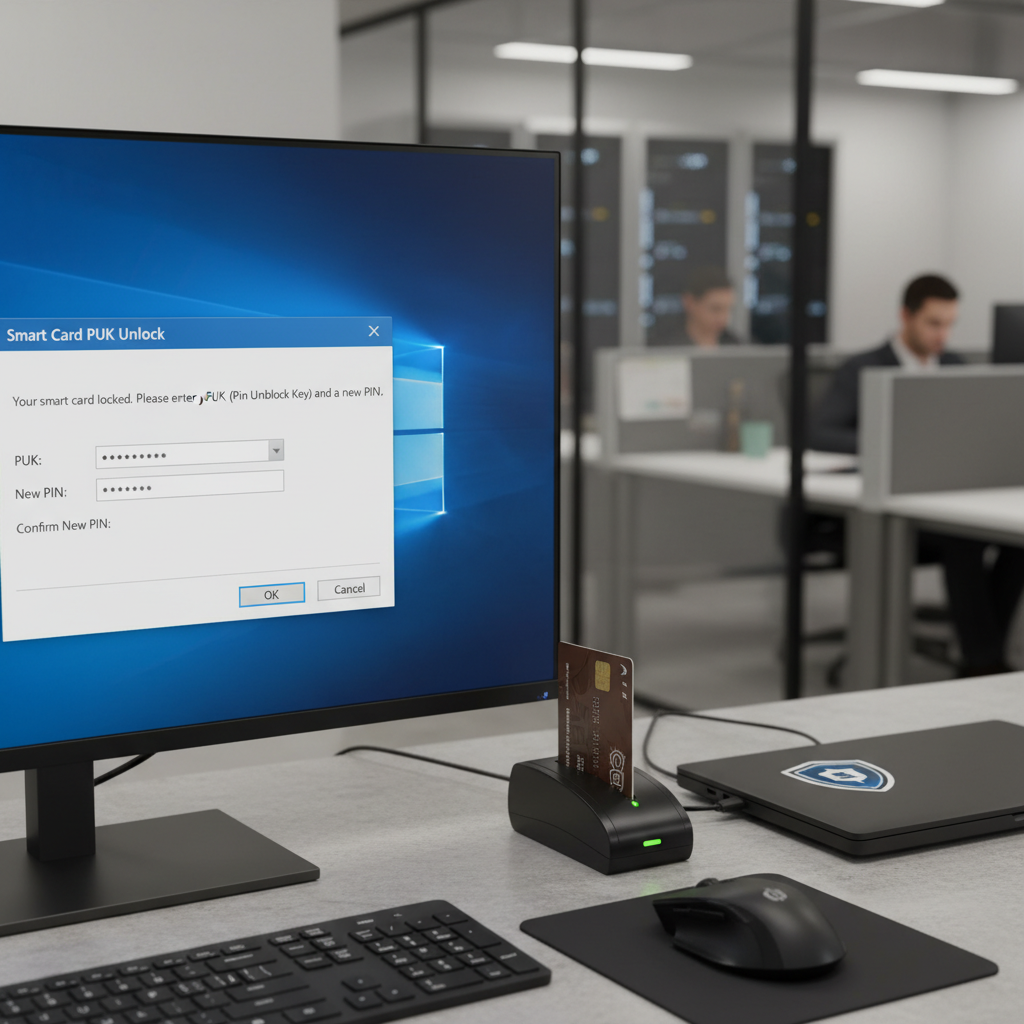
A locked CAC PIN doesn’t mean the card is damaged or invalid. It means the chip hit its failed-attempt limit and froze the PIN counter. The card itself is completely fine.
To get back in, you have two paths:
- Use your PUK (PIN Unlock Key) to reset the counter from your own computer, or
- Visit a RAPIDS ID card office and have a technician unlock it for you
Which path you take depends on one thing: do you have your PUK?
Do You Have Your PUK?
The PUK is a separate numeric code — not your PIN — issued when your CAC was created. Check these places:
- The paperwork that came with your card when it was issued
- Your unit or contracting office welcome packet
- Any password manager or secure notes app where you might have saved it
Have your PUK? → Method A below, done at your desk.
No PUK? → Skip to Method B, a quick RAPIDS visit.
Method A: Unlock from Your Computer (Requires PUK)
Windows — ActivClient
- Insert your CAC into the reader
- Open ActivClient — look for it in the system tray near the clock
- Click User Console → Advanced → Change PIN
- When it asks for your current PIN, type your PUK instead
- Enter your new PIN twice
- Click OK — done
Probably should have mentioned this upfront, honestly: the menu label varies by ActivClient version. “Change PIN,” “Unlock Card,” and “PIN Management” all show up in different versions. Poke around under Advanced if the path above doesn’t match exactly what you see.
Mac — CACKey or ActivClient
- Insert your CAC into a supported USB reader
- Open Terminal
- Run:
pkcs15-tool --unblock-pin - Enter your PUK when prompted
- Set your new PIN
If your Mac is government-issued, it likely has ActivClient installed — in that case, follow the Windows steps above instead.
Choosing a New PIN
- 6-8 digits
- Skip the obvious ones — 123456, your birth year, all the same digit
- Pick something you’ll type naturally without concentrating on it — that’s what makes a PIN actually stick
- Never write it anywhere near the card itself
Method B: Visit a RAPIDS ID Card Office (No PUK)
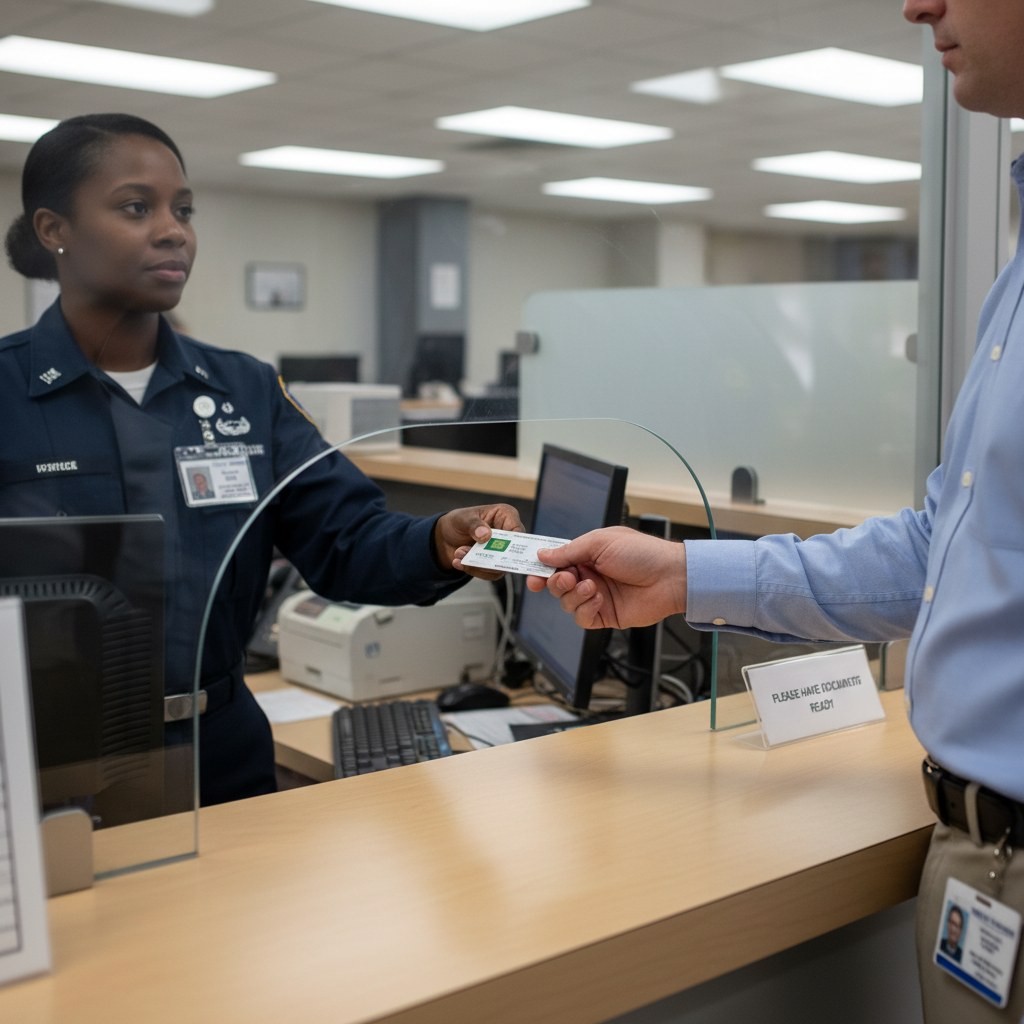
No judgment, no lengthy explanation required. They handle locked PINs constantly.
What to Bring
- Your locked CAC card
- Two forms of ID — driver’s license plus passport is ideal, or driver’s license plus any other government-issued ID
- Contractors: your sponsor’s contact info and contract number
Finding Your Nearest RAPIDS Site
Go to rapids-amsbc.dmdc.osd.mil and use the Site Locator. Schedule an appointment — walk-ins are accepted at many locations, but an appointment means you’re not waiting in the general queue.
What Happens at the Office
The technician pulls up your record in DEERS, verifies your ID, then either unlocks your existing card or issues a new one. You’ll set your PIN right there at the terminal. The whole visit typically takes 10-20 minutes once you’re at the window.
After You’re Unlocked: Quick Test
Before you pack up and leave:
- Log into a CAC-protected site — milConnect or your unit portal
- Open Outlook or OWA and confirm your email certificates work
- If you use a VPN, re-authenticate with the new PIN
Don’t Let This Happen Again
- Save your PUK today — a password manager is ideal; any secure offline location works too
- One wrong attempt: stop, check where your cursor is, then try again deliberately
- Don’t type your PIN when you’re distracted, in a hurry, or when someone’s looking over your shoulder
Conclusion
A locked PIN is one of those problems that sounds worse than it is. With your PUK, it’s two minutes at your desk. Without it, a RAPIDS visit runs under 30 minutes from arrival to walking out with a working card. Either way, same-day resolution. Go save your PUK right now so you have the faster option next time.


Leave a Reply