
Need to reset your CAC PIN? Find your nearest RAPIDS site, understand what services they offer, and learn how to make the process as quick as possible. RAPIDS (Real-Time Automated Personnel Identification System) sites are your go-to resource for all CAC-related services.
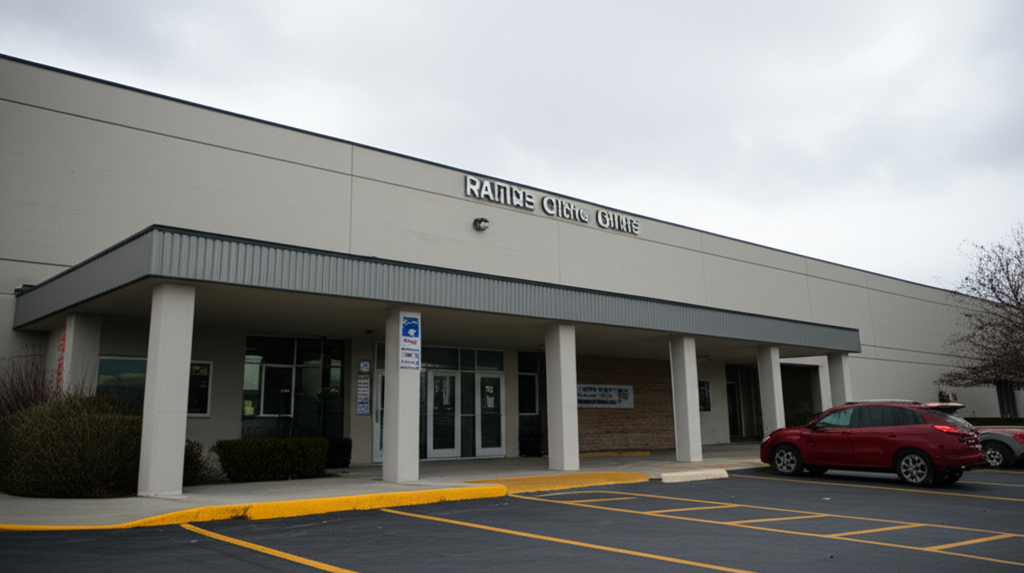
What Is a RAPIDS Site?
RAPIDS sites are authorized locations where you can:
- Reset or unlock a locked CAC PIN
- Get a new CAC issued or renewed
- Update your CAC with new information
- Report a lost or stolen CAC
- Get dependent ID cards issued
They’re staffed by trained personnel with access to DEERS (Defense Enrollment Eligibility Reporting System) and CAC issuance equipment.
Find Your Nearest RAPIDS Site
Use the official ID Card Office Locator:
- Visit idco.dmdc.osd.mil/idco/
- Enter your zip code, city, or installation name
- View results sorted by distance
- Check hours of operation and services offered
Pro tip: Filter by “CAC PIN Reset” to see sites that specifically offer this service without requiring a full appointment.
Types of RAPIDS Sites
Full-Service ID Card Offices
- All services including new CAC issuance
- Usually on major installations
- May require appointments for some services
- Typically open standard business hours
Limited-Service Sites
- PIN resets and basic services
- May be located at smaller installations or remote sites
- Often have limited hours
Self-Service Kiosks
- PIN reset only (using biometrics)
- Available 24/7 at some locations
- No staff required
- Not available at all installations
What to Bring for PIN Reset
For a CAC PIN reset, bring:
- Your locked CAC: They need the physical card
- Valid photo ID: Driver’s license, passport, or military ID
- Your DoD ID number: Printed on your CAC (10 digits)
You don’t need orders, paperwork, or supervisor approval for a basic PIN reset.
The PIN Reset Process
- Check in: Sign in at the front desk or kiosk
- Identity verification: Present your photo ID and locked CAC
- DEERS lookup: Technician verifies you in the system
- PIN unlock: Your CAC is connected to the system and unlocked
- Set new PIN: You enter a new 6-8 digit PIN
- Test: Verify the new PIN works before leaving
The entire process typically takes 10-15 minutes, though wait times vary.
Appointments vs. Walk-Ins
Policies vary by location:
Walk-Ins Accepted
- Many sites accept walk-ins for PIN resets
- Wait times can be unpredictable
- Best to arrive early in the day
Appointments Required
- Some busy sites require appointments for all services
- Schedule online through the ID Card Office Locator
- Appointments reduce wait time significantly
Appointment Scheduling
- Go to idco.dmdc.osd.mil/idco/
- Find your preferred site
- Click “Schedule Appointment”
- Select your service type (PIN reset)
- Choose available date and time
- Provide your information
RAPIDS Site Hours
Hours vary significantly:
- Major bases: Often 7:30 AM – 4:00 PM, Monday-Friday
- Large installations: May have extended hours or Saturday hours
- Small sites: May only be open certain days or limited hours
- Deployed locations: Hours depend on mission requirements
Always verify hours before visiting—they change frequently and may differ from what’s listed online.
Alternative Options
If You Can’t Get to a RAPIDS Site
- Deployed: Contact your S1/Personnel section—they may have mobile RAPIDS capability
- Remote location: Some VA facilities and recruiting offices offer limited services
- After hours: Some 24/7 operations centers can assist with emergency access
Self-Service PIN Reset
If your organization has configured it:
- ActivClient may offer self-service PIN unlock
- Requires prior enrollment (fingerprint/biometric)
- Check with your IT department
Common Issues at RAPIDS Sites
“Your Record Isn’t in DEERS”
- Verify your sponsor’s information is current
- For dependents, the sponsor may need to update DEERS first
- Contact your personnel office to verify enrollment
“Your CAC Can’t Be Unlocked”
- Card may be damaged and need replacement
- Certificate issue requiring re-issuance
- Possible revocation—security office investigation needed
Long Wait Times
- Arrive early (within first hour of opening)
- Avoid Mondays and end-of-month if possible
- Make an appointment if available
- Try smaller, less busy locations
PIN Reset vs. New CAC
Know the difference:
| Service | Time | When Needed |
|---|---|---|
| PIN Reset | 10-15 min | Locked out, forgot PIN |
| PIN Change | 5-10 min | Want new PIN, card not locked |
| CAC Replacement | 30-60 min | Lost, damaged, expired, name change |
If your CAC just needs a PIN reset, it’s a quick process. If the card itself is damaged or the certificates are corrupted, you may need a replacement.
Quick Reference
Find a site: idco.dmdc.osd.mil/idco/
Bring:
- Your locked CAC
- Valid photo ID
Expect:
- 10-15 minute process (plus wait time)
- Identity verification
- Create new PIN on the spot
RAPIDS sites are the definitive solution for any CAC PIN issue. If self-service options aren’t available or don’t work, visiting a RAPIDS site will always resolve the problem.
Last updated: December 2025

About Jack Ashford
Jack Ashford is a DoD cybersecurity specialist with over 12 years supporting military IT infrastructure. He holds Security+ and CAC certifications and has worked as systems administrator for multiple DoD agencies. Jack specializes in PKI certificate management, CAC troubleshooting, and secure authentication systems, helping military personnel and contractors resolve access issues quickly.




Leave a Reply