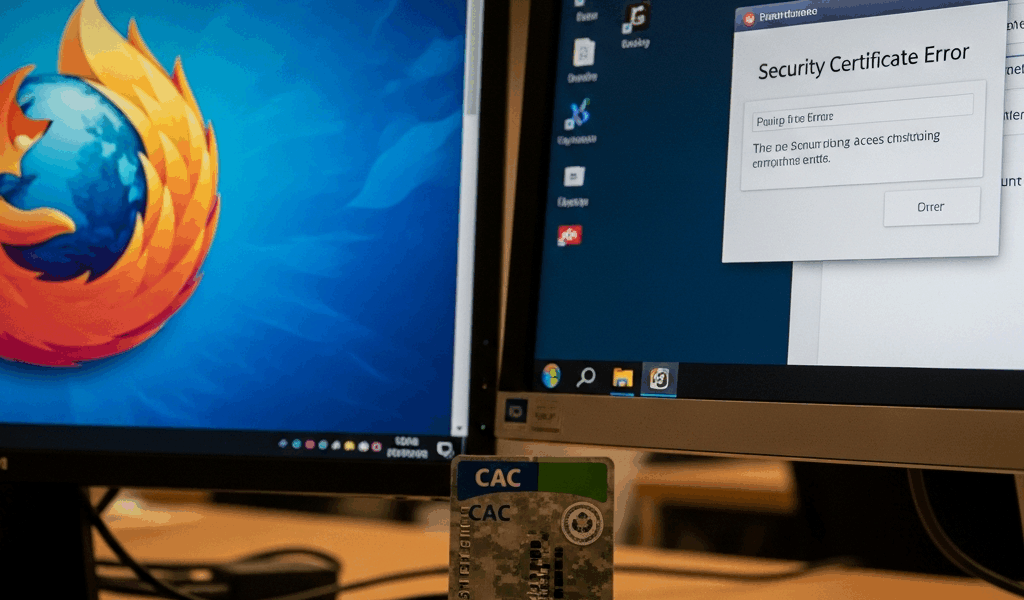
Why Firefox Breaks CAC Auth in the First Place
CAC authentication in Firefox has gotten complicated with all the conflicting advice flying around.
Here’s the core issue. Firefox maintains its own certificate store — completely separate from everything else on your machine. Your Windows system certificate store? Irrelevant. Your macOS keychain? Also irrelevant. Chrome and Edge tap into OS-level trust anchors automatically. Firefox refuses. It needs you to manually load your CAC middleware as a PKCS11 security device, and most users never hear about this step until they’re already three hours deep and questioning their life choices.
So you’ve got your CAC middleware installed. Card reads fine in Chrome. You navigate to a DoD portal in Firefox and get absolutely nothing — no prompt, no error, just a blank stare back at you. That’s because Firefox doesn’t know where to find your CAC. The card isn’t broken. The browser is.
Step 1 — Load the CAC Module in Firefox Security Devices
This is the fix. Open Firefox and go to Tools (or the menu button) → Options → Privacy & Security. Scroll down to the Security section and click Security Devices. There’s a button labeled Load. Click it.
Now comes the part where most people crash out. You need the exact file path to your middleware. Getting this wrong is the number one reason people assume their card is dead when it isn’t.
For Windows with OpenSC
OpenSC is common on personal machines and older installations. Browse to:
C:\Program Files\OpenSC Project\OpenSC\bin\opensc-pkcs11.dll
Check your Program Files folder first. Some older installs land in Program Files (x86) instead. The DLL name stays consistent, but the folder depth shifts between 3.0.x and 4.0.x releases — annoying, but that’s where things stand.
For Windows with DoD Middleware
Government-managed machines usually ship with ActivClient or a standalone PKCS11 loader. Try this path first:
C:\Program Files (x86)\ActivIdentity\ActivClient\ac_pkcs11.dll
If that comes up empty, try:
C:\Windows\System32\pkcs11.dll
Still nothing? Check C:\Program Files without the (x86) suffix. Or just call your IT help desk — they’ll know the exact installation folder in about ten seconds.
For macOS with OpenSC
On Mac, start here:
/usr/local/lib/opensc-pkcs11.so
Homebrew installs follow that path reliably. Compiled from source or used MacPorts instead? Check /opt/local/lib/opensc-pkcs11.so — that’s where it lands.
Naming Your Module
But what is a module name here? In essence, it’s just a label Firefox uses to identify what you loaded. But it’s much more than decoration — call it something obvious like “OpenSC” or “DoD CAC” or “ActivClient.” The name has zero effect on functionality. The reason to pick something descriptive is so you don’t accidentally load it twice six months from now and spend twenty minutes wondering why the list looks weird.
Click OK. Module loaded successfully? Move to Step 2. File not found error? The path is wrong. Go back and dig through your middleware folder again.
Step 2 — Install the DoD Root Certificates
Probably should have opened with this section, honestly. Firefox doesn’t trust the DoD root certificate authority by default. Your CAC will load fine and look completely valid, then Firefox will reject the certificate chain and throw a SEC_ERROR_UNKNOWN_ISSUER error at you. A lot of people spend an hour reseating their card reader at this point. Don’t make my mistake.
On government-managed machines, IT often deploys these certificates via group policy. Check with them first — saves you the manual work.
Personal machine, or IT hasn’t pushed the certs yet? Head to the DoD Cyber Exchange portal and grab the InstallRoot tool. It’s a Windows executable, runs clean, installs all necessary DoD and federal root certificates into your system store. Run it, restart Firefox, done.
On macOS, you’re doing this manually. Download the DER-encoded DoD root certificate bundle from the same portal. Import it into your Keychain — System or Login keychain, both work fine. Some users skip the Keychain entirely and import directly into Firefox via Preferences → Privacy & Security → Certificates → View Certificates → Authorities → Import. Either approach gets you there.
Step 3 — Test the Connection and Handle Common Error Codes
Navigate to a DoD portal requiring CAC authentication. A prompt should appear asking which certificate you want to use. Your CAC shows up in that list.
So, without further ado, let’s cover what happens when it doesn’t.
No Certificate Prompt Appears At All
The PKCS11 module didn’t load correctly. Back to Step 1. Verify the file path character by character, correct it, then restart Firefox before testing again.
Certificate Prompt Appears, But Access Is Denied
Root certificates didn’t import cleanly. Re-run InstallRoot or manually re-import the certificate bundle from Step 2. A cache issue might also be burying the newly imported roots — clear your browser cache or restart Firefox entirely before assuming the import failed.
The Site Loads But Keeps Asking for Credentials
Firefox might be set to “Ask Every Time” for certificate selection. Secure behavior technically, but genuinely painful on repeat visits. Go to Tools → Options → Privacy & Security → Security → Choose certificates → Ask Every Time and swap it to your preferred certificate. Firefox remembers the choice per site after that.
Still Broken — Three More Things to Check
I’m apparently wired to troubleshoot in a specific order, and catching these early works for me while ignoring them never does. Here’s what else might be going on.
Firefox ESR vs. Standard Release
Firefox Extended Support Release handles PKCS11 modules differently across certain versions. If you’re running ESR and a colleague on standard Firefox connects without any drama — that’s your issue right there. Either switch to standard Firefox or confirm with IT that your specific ESR version is compatible with your middleware build.
Group Policy Blocking PKCS11
Government-managed Windows machines sometimes run group policy that blocks unsigned third-party PKCS11 modules. The error message usually says the module failed to load or was rejected by security policy. That’s an IT help desk call — they need to whitelist your middleware vendor or push a policy update. Nothing you can fix at the browser level.
Cached Bad Sessions
Firefox caches failed authentication attempts sometimes. Clear your cache and cookies first. If that doesn’t move the needle, spin up a fresh Firefox profile — takes about two minutes. Fresh profile works? The issue lived in your old profile. Migrate your bookmarks and move on.
Before you escalate anything, test your CAC in Chrome or Edge. Both browsers authenticate fine? Card is healthy, middleware is healthy — this is a Firefox-specific configuration problem and the steps above will fix it. Chrome and Edge also failing? The issue is upstream of Firefox entirely: your card reader hardware, your middleware installation, or the DoD portal itself. That’s a different conversation.


Leave a Reply