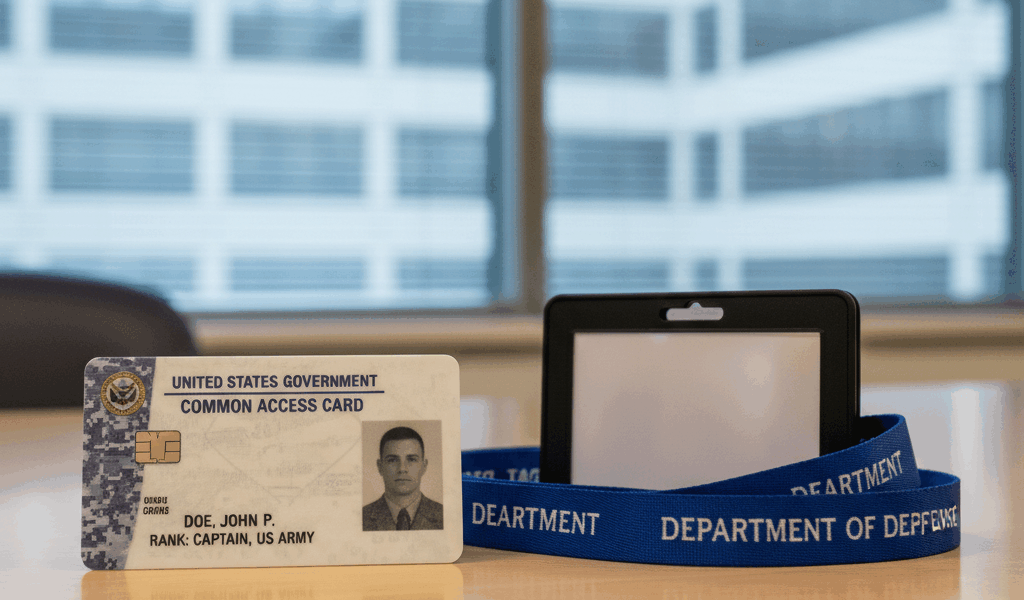
Lost or Stolen CAC Card: Your Emergency Action Guide
CAC card emergencies have gotten worse with all the remote work and off-base access flying around these days. Today I’ll walk you through exactly what to do so you don’t waste time figuring it out under pressure.
Step 1: Report It Immediately
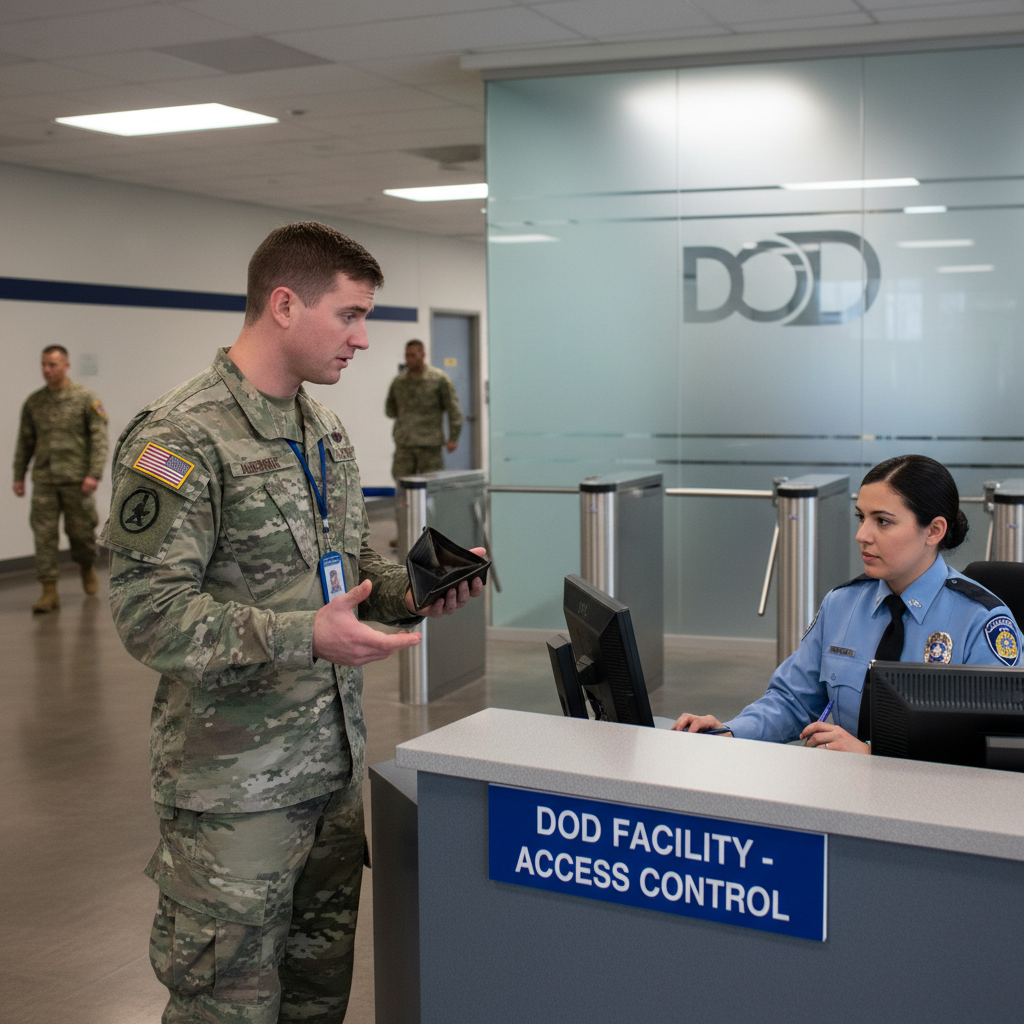
This one stings, but you have to do it fast. A lost or stolen CAC is a security incident. Sitting on it for even a few hours is not an option under DoD policy.
If You Believe It Was Stolen
- File a police report with local law enforcement or military police (MP) immediately — get the report number before you do anything else
- Report to your unit security officer or facility security officer (FSO)
- If you’re on a military installation, that means the Provost Marshal’s Office
- That report number follows you through every step of replacement, so don’t lose it
If It Was Lost (Not Confirmed Stolen)
- Tell your supervisor and unit security officer as soon as you realize it’s missing
- Write down where and when you last had it — you’ll be asked this
- Check your vehicle, workstation, gym bag, any jacket pockets from the last 24 hours
- DoD policy gives you 24 hours to report. Don’t use all 24 hours looking under couch cushions.
Step 2: Revoke Access (If Stolen)
Here’s something most people don’t know: even if someone has your physical CAC, they still can’t authenticate to DoD systems without your PIN — unless the certificates are active. Your security officer can submit a certificate revocation request through DEERS/RAPIDS that kills the card’s usefulness entirely.
- Call DEERS Support at 1-800-538-9552
- Your unit security officer can file the revocation through the CAC issuance system
- Once revoked, the certificates become invalid across every DoD system — the physical card becomes a piece of plastic
Revocation matters most if there’s any chance the card is in someone else’s hands.
Step 3: Get Temporary Access While You Wait
The gap between losing your CAC and getting a new one is where productivity goes to die. Here’s how to stay functional:
Username/Password Access
Reach out to your local IT help desk first. A lot of DoD systems have a username/password fallback that they don’t advertise. I’ve seen IT shops grant temporary password access within an hour of a call — it’s worth asking even if you’ve never heard of it being done at your command.
Sponsored Guest Access
Contractors — your sponsor may be able to get you into specific platforms through a guest account while you wait. Call them before you assume you’re locked out entirely.
Enterprise Service Desk
The DoD Enterprise Service Desk is at 1-800-600-9332 (DSN 312-343-5900). These folks handle this situation constantly. They can often sort out email workarounds and critical system access while your card is being replaced.
OWA Without CAC
Outlook Web Access allows username/password login on some installations as a fallback. I’m apparently one of those people who never knew this existed until I needed it — and it worked fine. Ask your email admin if it’s enabled for your org.
Step 4: Get a Replacement CAC
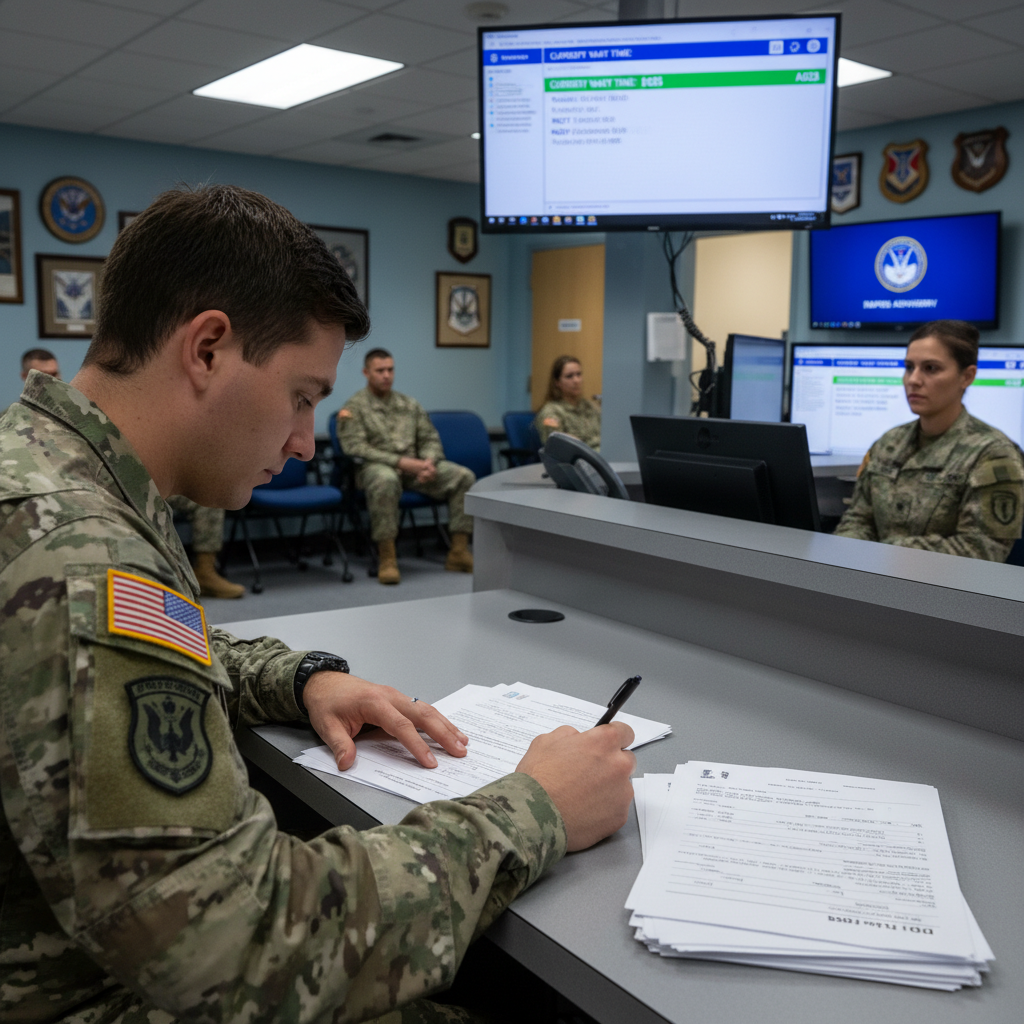
Who Issues Replacement CACs?
Replacement cards come from RAPIDS (Real-time Automated Personnel Identification System) sites — DoD ID card offices located on military installations worldwide, plus some reserve centers and National Guard facilities.
What to Bring
- Two forms of ID — one has to be government-issued with a photo (passport, driver’s license). Don’t show up with just a credit card and a library card.
- Your police report number if it was stolen
- Your chain of command authorization or orders confirming eligibility
- Contractors: bring your current contract documentation and your sponsor’s info
How to Find Your Nearest RAPIDS Site
Use the RAPIDS Site Locator at rapids-amsbc.dmdc.osd.mil. Filter by appointment availability. Walk-ins work at some sites but getting an appointment means you’re not sitting in the general queue for two hours.
How Long Does Replacement Take?
- Active duty military: Same day at most RAPIDS sites — often 20-30 minutes at the window
- Reservists/Guard: Same day if your eligibility is current in DEERS
- Contractors: Varies. Updated contract docs sometimes take a day or two — 1-3 business days is realistic
- Civilians: Same day in most cases
Step 5: Update Your Systems After Getting the New Card
New card in hand — but you’re not done yet. The replacement card has brand-new certificates, which means several things need to catch up:
- Email certificates: Your encrypted email signature uses the old certificates — update Outlook settings with the new ones
- VPN profiles: Re-authenticate to any remote access systems with the new card and new PIN
- Browser certificates: Clear browser cache and let it re-read from the new card
- ActivClient: Open it and confirm the new card’s certificates show as valid
- Encrypted files: Anything encrypted with your old card’s encryption certificate may be unreadable now — flag this to your security officer if relevant
Protecting Yourself Going Forward
- Keep your CAC in a protective sleeve when you’re not actively using it at a reader
- Never walk away from a workstation with your CAC still in the reader
- Use a lanyard with a breakaway clip — the kind that releases if it catches on something
- Your PIN and your card should never be in the same place
- Do a badge check before leaving work every day. Takes three seconds.
Key Contacts
- DEERS Support: 1-800-538-9552
- Enterprise Service Desk: 1-800-600-9332 (DSN 312-343-5900)
- RAPIDS Site Locator: rapids-amsbc.dmdc.osd.mil
- Cyber.mil PKI: cyber.mil/pki-pke
Conclusion
Losing your CAC is stressful, but it’s a solved problem with a clear process. Report it immediately, revoke the certificates if there’s any theft risk, use temp access to stay functional while waiting, and bring the right documents to RAPIDS. Most people walk out with a new card the same day they go in — the whole situation tends to be much less painful than the panic in the first hour would suggest.




Leave a Reply