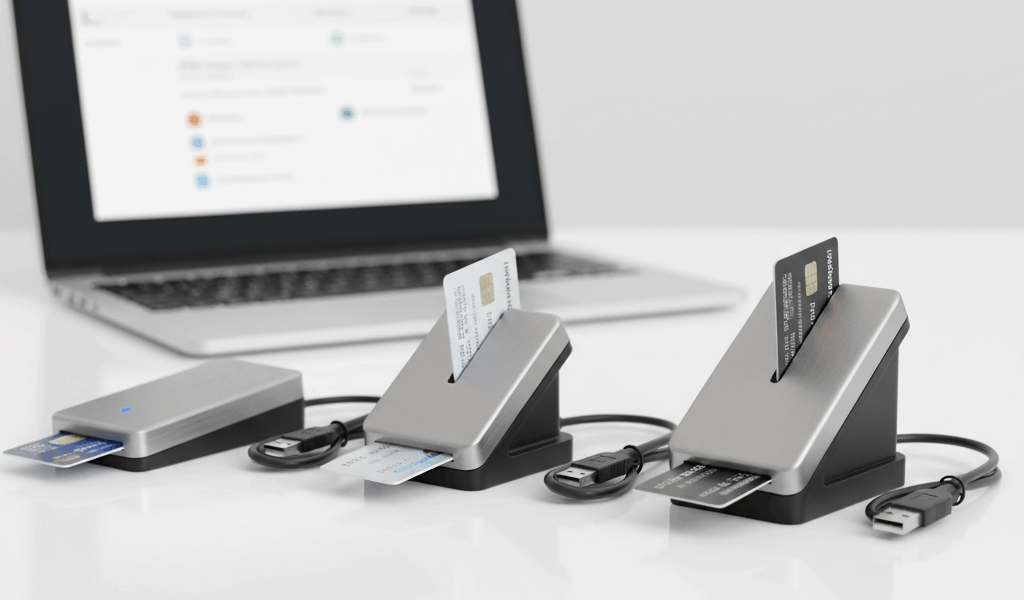
As someone who’s tested every major reader model across Windows, Mac, and Linux — and recommended readers to dozens of remote workers and contractors — I learned which ones actually hold up and which ones waste your morning. Today I’ll cut straight to the recommendations.
USB-A vs USB-C: Start Here
Before anything else, figure out what ports your computer actually has:
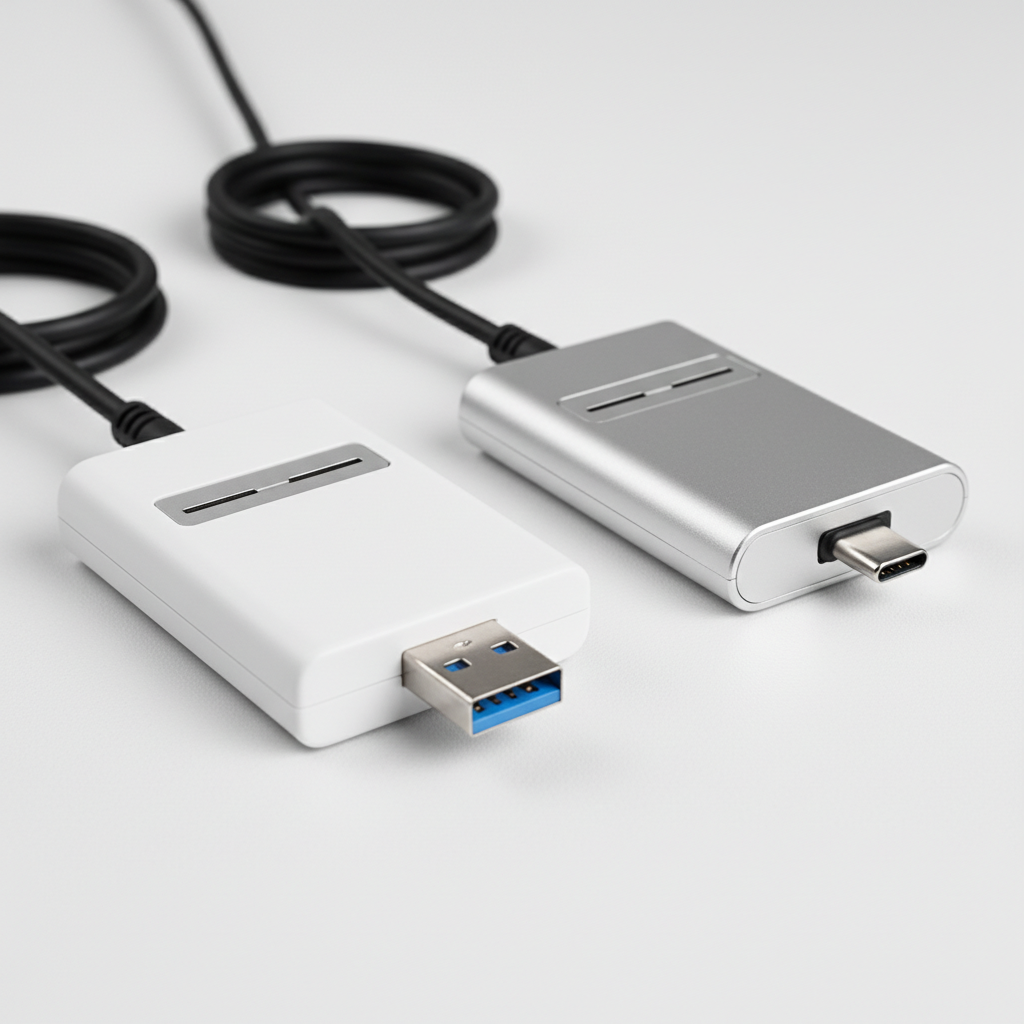
- USB-A readers are the standard. Every desktop and most laptops still have USB-A ports. If you’re unsure what you need, start here — it works everywhere.
- USB-C readers are for modern thin laptops — MacBook Pro, Dell XPS, and similar machines with no USB-A ports at all. Native USB-C readers avoid adapter hassle.
- USB-A reader + USB-C adapter is a completely valid approach. I’m apparently one of those people who prefers this because it means one fewer specialized device to lose — you can find a USB-A to USB-C adapter anywhere.
What Actually Matters When Choosing a Reader
DoD Protocol Support
CAC cards use T=0 and T=1 communication protocols per the ISO 7816 standard. Not every cheap smart card reader supports both. Look for readers described as PC/SC compliant — that’s the label confirming DoD compatibility.
Driver Situation
The best CAC readers use drivers built into Windows 10 and 11. Plug in, it works, no installation required. Avoid anything that comes with a driver CD or requires proprietary middleware alongside ActivClient — that setup creates conflicts.
Build Quality
Government workstations are rough on peripherals. A reader with a flimsy USB connector that wiggles in the port will fail within a few months of daily use. Reinforced connectors matter. Check reviews specifically for connector durability before buying.
Warranty
Quality readers have 1-3 year warranties. Register yours when you buy it. Warranty replacements typically ship within days — useful to know when you’re on a deadline and your reader dies.
The Best CAC Readers in 2026
1. Identiv SCR3310v2.0 — Best Overall for Windows
- Connector: USB-A
- Price: $25-35
- Works on: Windows, Mac, Linux
- Drivers: Built into Windows 10/11 — plug in and go
This is the most common DoD-issued reader you’ll encounter in the field. IT departments stock it. Windows already has the drivers. It’s been proven reliable for years. If your installation IT shop stocks readers, this is almost certainly what they carry.
2. Identiv uTrust 3700 F — Best for Mac Users
- Connector: USB-A (some bundles include a USB-C adapter)
- Price: $30-40
- Works on: Windows, Mac, Linux
- Drivers: Plug-and-play on all platforms
Mac CAC compatibility is finicky with a lot of readers. The uTrust 3700 F is one of the few that just works on macOS without a fight. Fast chip reads, compact enough to live in a laptop bag permanently, and consistently the most-recommended option on military tech forums for remote Mac users.
3. Identiv uTrust 4701 F — Best USB-C Native
- Connector: USB-C (native, no adapter)
- Price: $35-45
- Works on: Windows, Mac, Linux
- Drivers: Built in across all major platforms
True USB-C without adapters, dual-interface support for both contact and contactless, and forward-compatible with next-generation DoD credentials. If you’re on a MacBook Pro, Dell XPS, or any USB-C-only laptop, this is the cleanest setup.
4. HID OMNIKEY 3021 — Best for Government Procurement
- Connector: USB-A
- Price: $20-30
- Works on: Windows, Mac, Linux
- Drivers: Plug-and-play on Windows 10/11
HID has been in the DoD smart card space longer than most companies. The OMNIKEY 3021 shows up on approved products lists, clears the government purchase card (GPC) procurement process without issues, and performs reliably. Safe pick if you’re buying through official channels.
5. Adesso SCR-300 — Best Budget Option
- Connector: USB-A
- Price: $15-20
- Works on: Windows, Mac (inconsistent), Linux
- Drivers: Windows plug-and-play
For Windows users who need something today and are buying out of pocket, the SCR-300 works. Mac support is hit or miss — if you’re on a Mac, spend the extra $15 for an Identiv. But as a Windows-only reader under $20, it does the job.
Readers to Skip
- No-name readers under $10: Often fail the PC/SC compliance check entirely — DoD certificate authentication just doesn’t work
- Readers requiring proprietary software: When their driver conflicts with ActivClient, you spend the afternoon troubleshooting instead of working
- Readers connected through USB hubs: Not a specific model, but a setup to avoid — unpowered hubs cause intermittent read failures that are maddening to diagnose. Always plug directly into the machine.
Where to Buy
- Amazon: All major models available, usually ships same or next day. Buy from the manufacturer or a verified seller — avoid gray-market listings on name-brand hardware.
- CDW Government (CDW-G): Standard channel for GPC procurement
- GSA Advantage: For official government purchase — search by NSN or manufacturer part number
- Your unit supply/S6: Check first. Many units keep readers in stock for exactly this situation.
- Base Exchange (BX/PX): Some installations carry approved readers in electronics — worth a quick check if you’re on post
If You Travel or Work Remote

- Keep a spare reader at home and one in your travel kit — at $25-35 each, two is practical
- The uTrust 3700 F fits in a laptop bag side pocket without taking up meaningful space
- Don’t check your CAC reader in luggage — carry-on only
- International travel: USB readers work worldwide; no power adapter needed
Conclusion
For most Windows users, the SCR3310v2.0 is the default answer — proven, stocked everywhere, no driver installation needed. Mac users should go straight to the Identiv uTrust 3700 F or 4701 F and not try to save $10 on a budget reader that creates authentication headaches. The price gap between a solid reader and a marginal one is $10-15. In a job where a failed authentication at the wrong moment costs real time, that’s an easy call.




Leave a Reply